
|
|
|
|
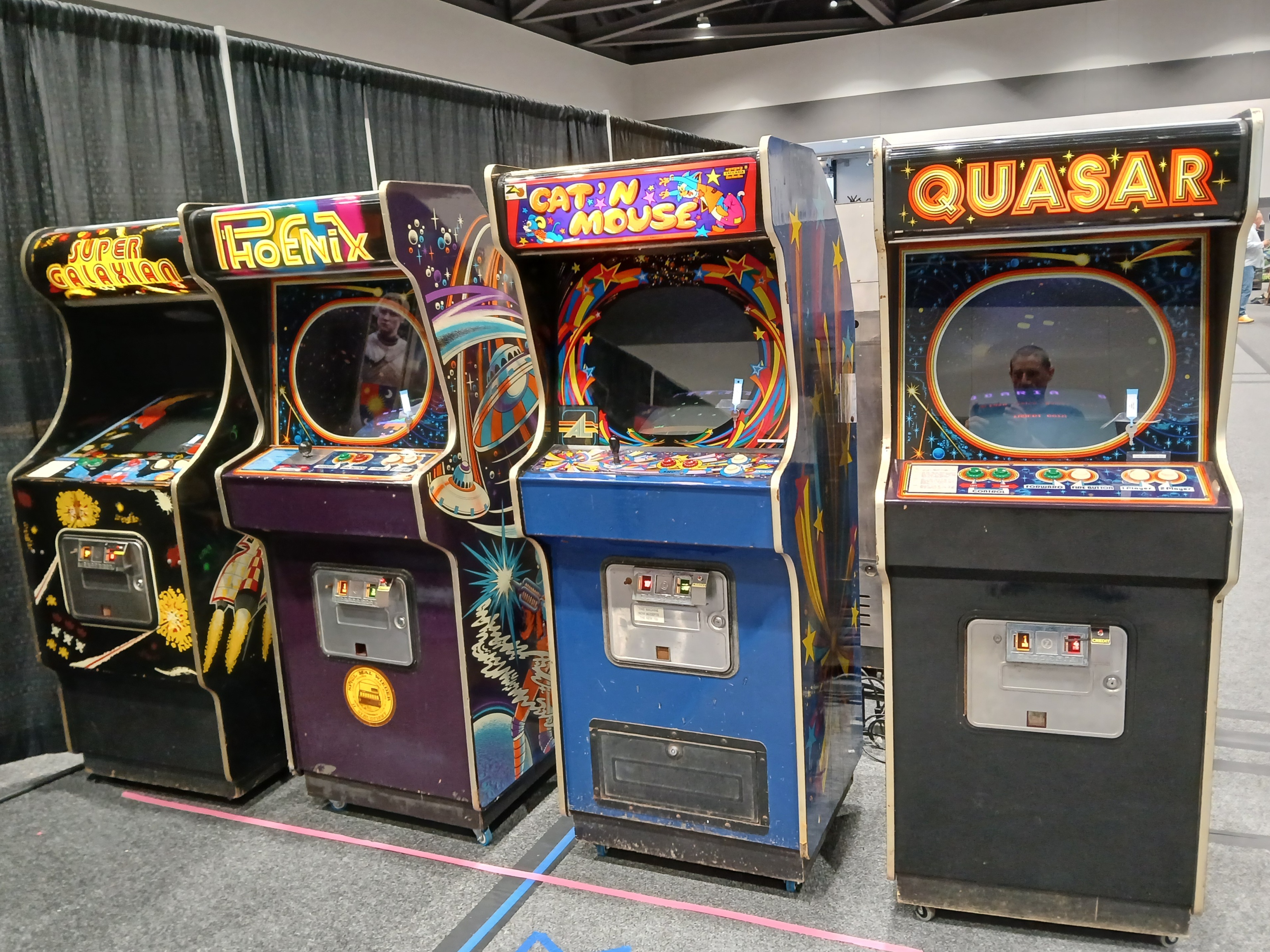
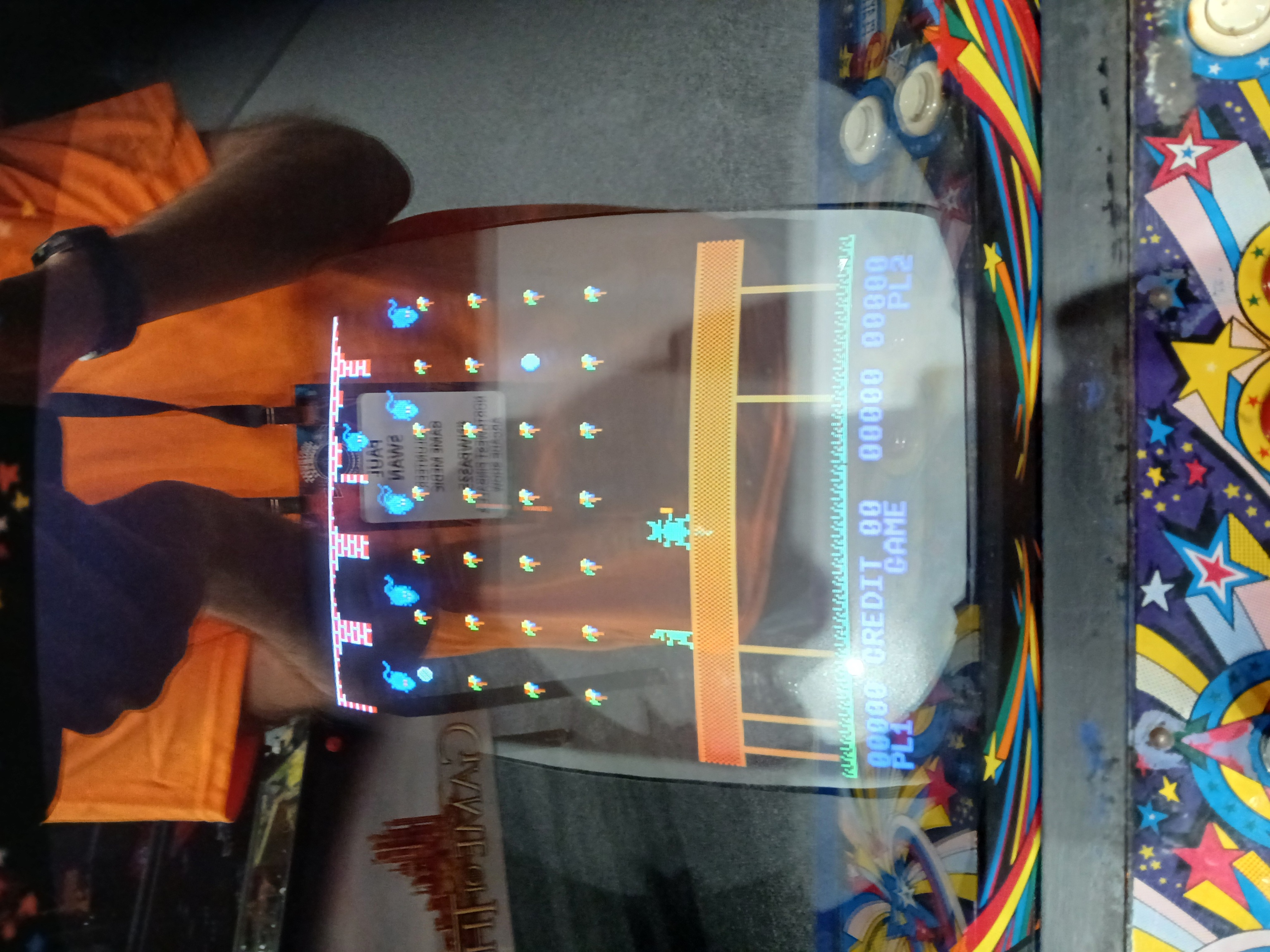
Saturday morning walkthrough found Cat'n'Mouse with graphics issues. A spare main game PCB was swapped in and the game ran OK through to show closing.
Due to house move & sale, significant remodeling of our destination house and retirement, the failed game PCB was forgotten until 2026...
|
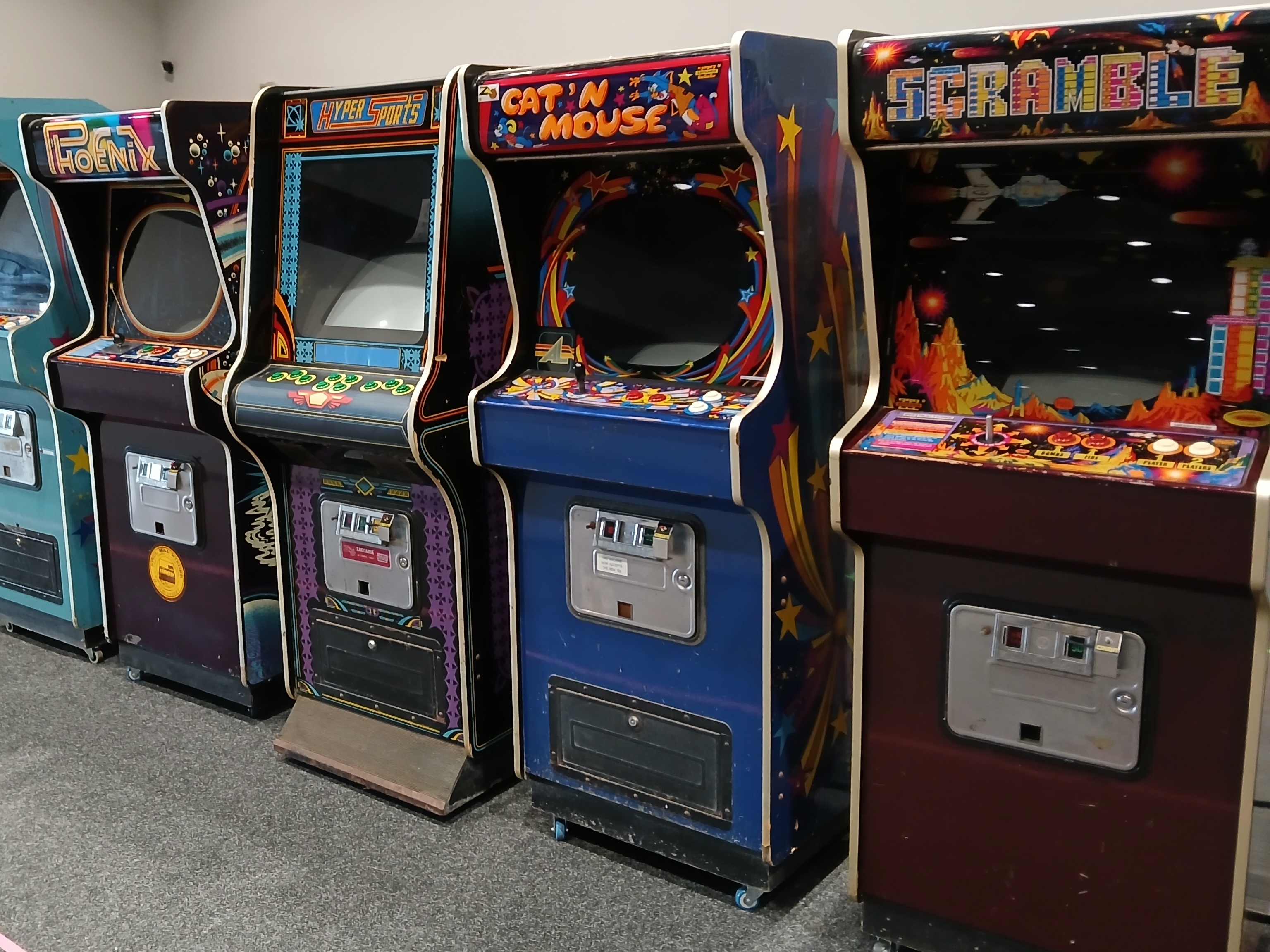
On Saturday night the game was reported to the medic desk with a blank screen. Investigation found the monitor on and power supplies all measuring OK. The audio board did initialize with music sometimes, but there was no response to coin or start suggesting the main PCB had failed. I had forgotten that the spare main PCB was already installed in 2025. Luckily this is the only game for which I had two spare main PCBs and the 2nd spare was swapped in that ran OK for the rest of the show.
|
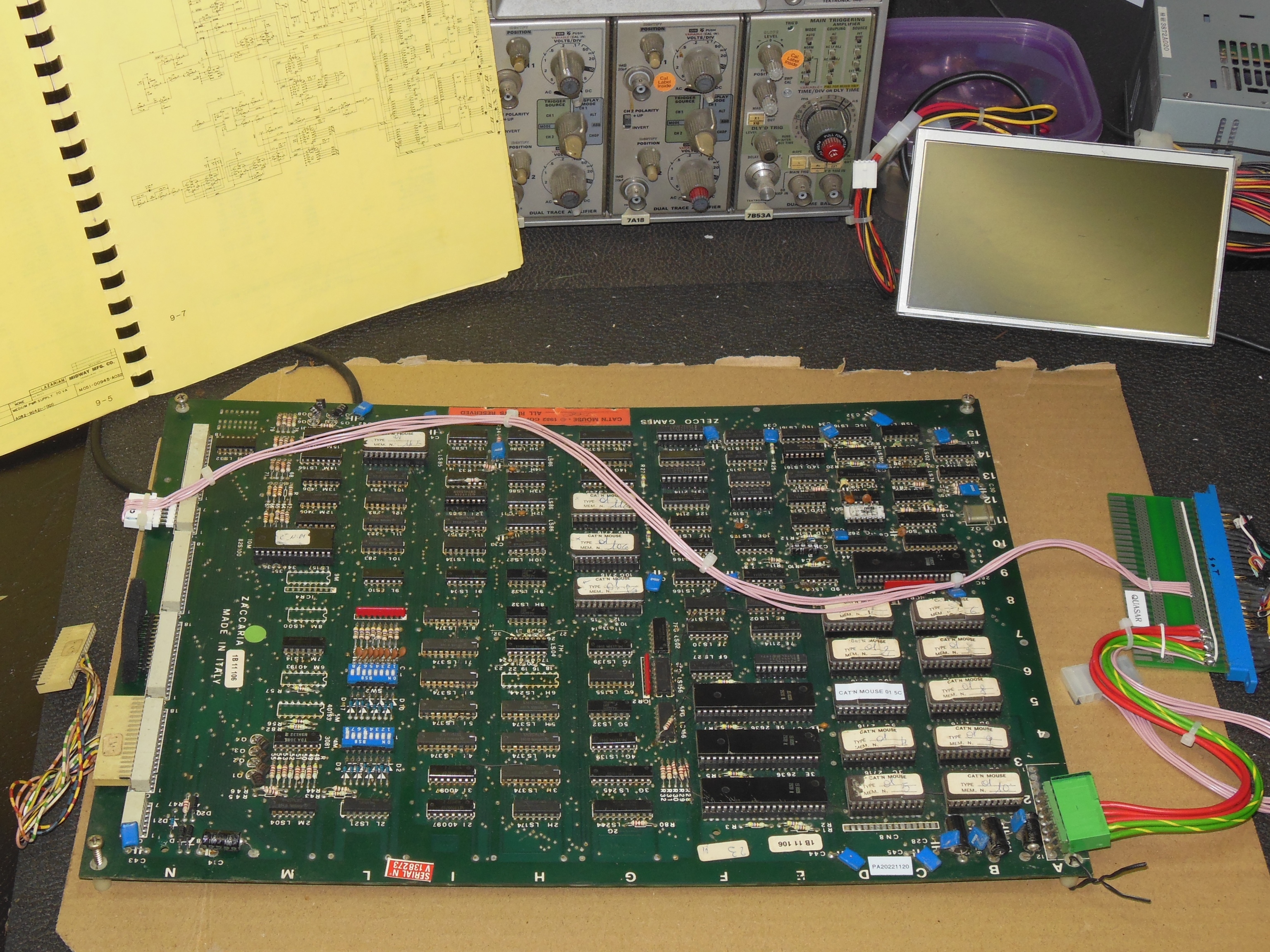
On the bench as in the cabinet there was no video output but the scope showed
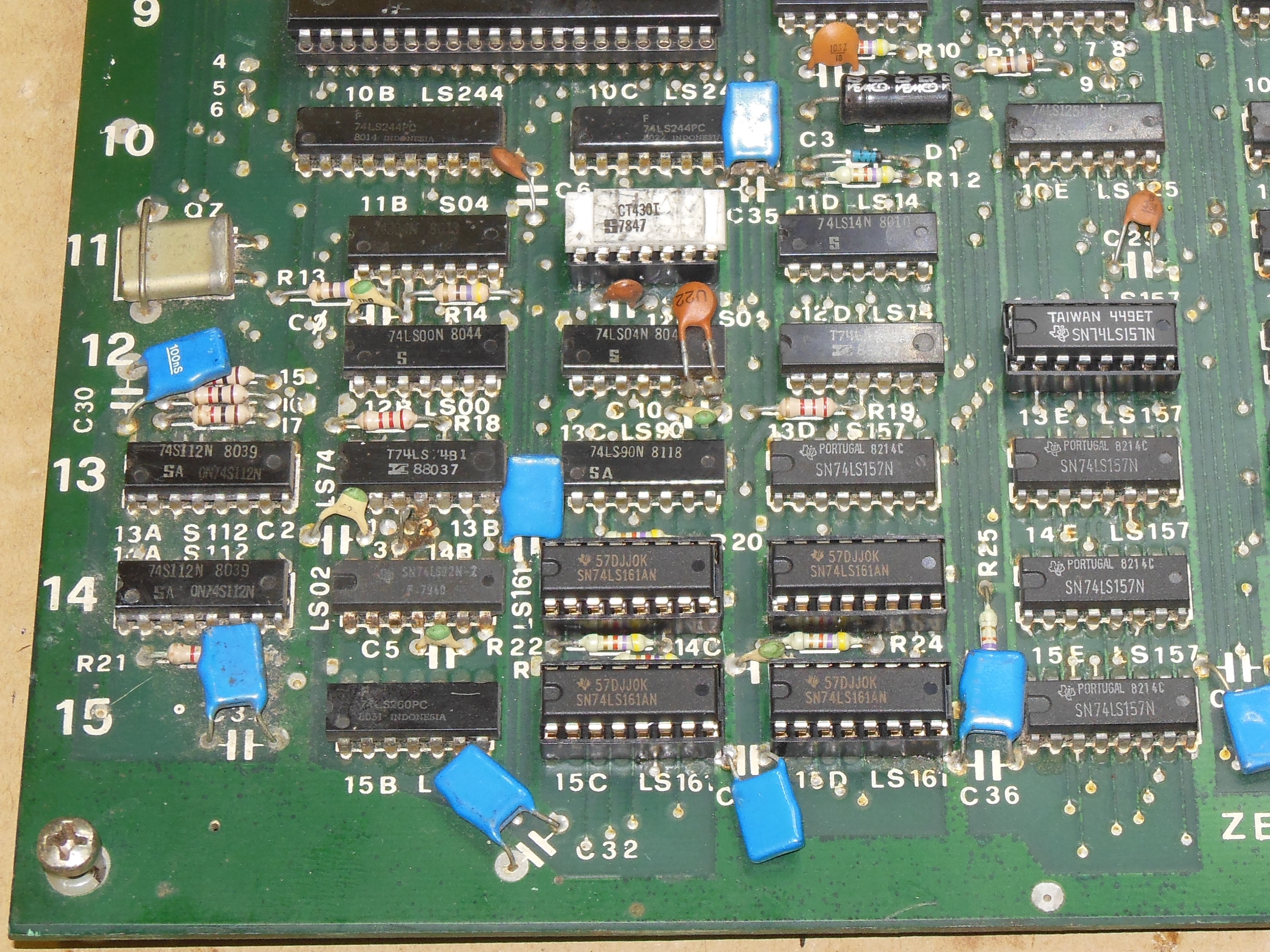
composite sync was running. Checking the latch IC 10I (LS74) found:
|
Checking the video counters with a scope found:
|
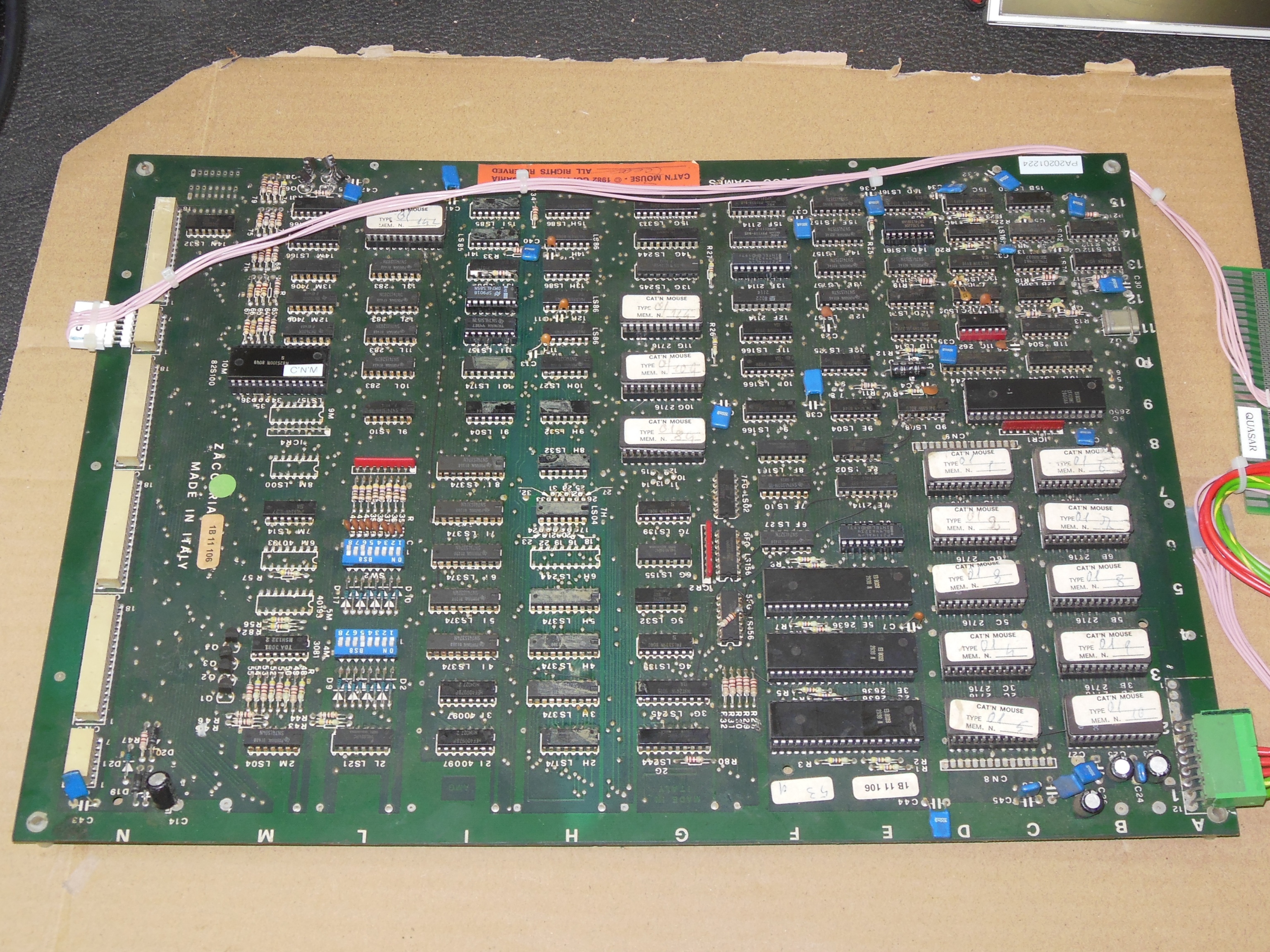
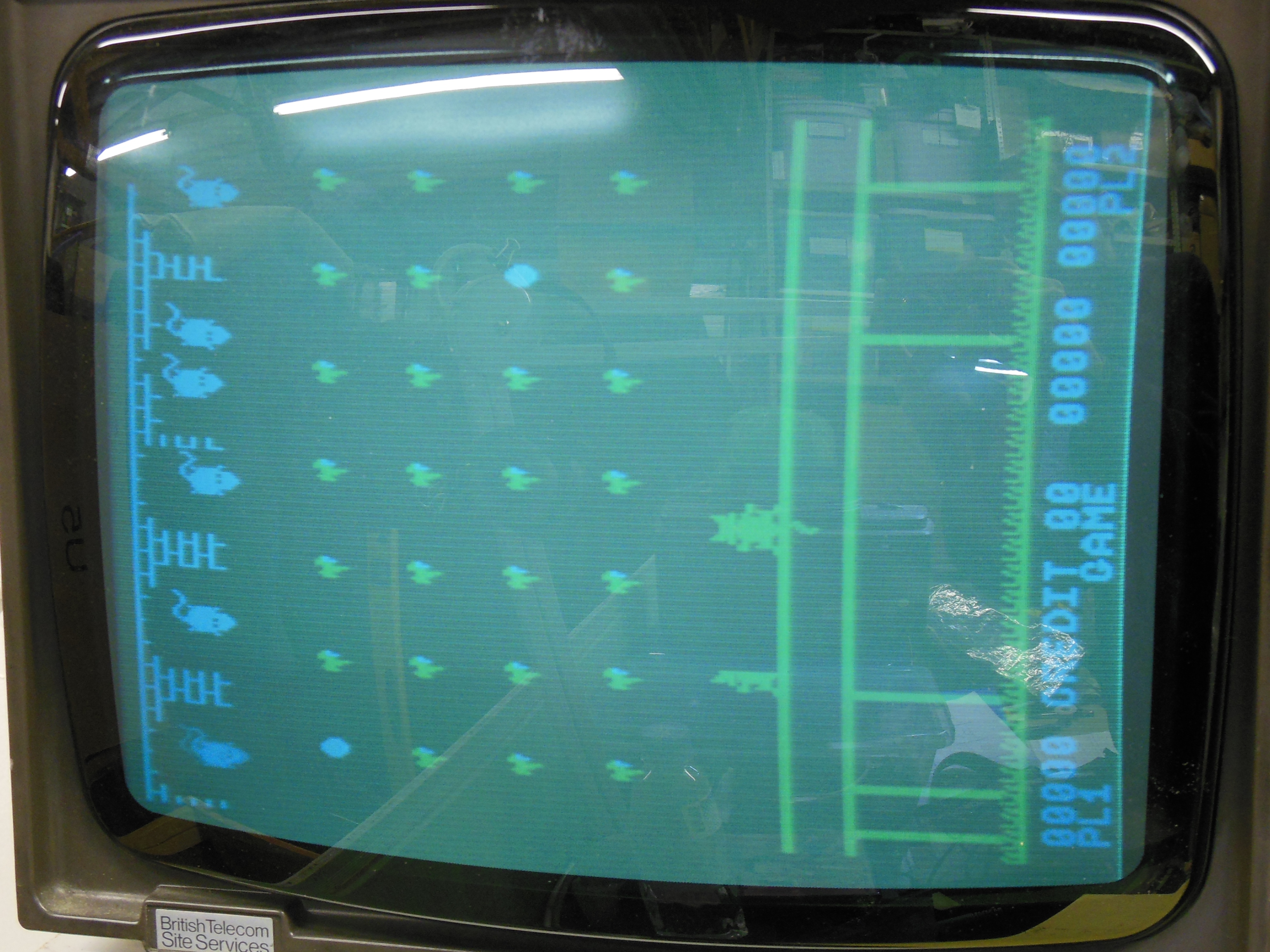
The game displayed misplaced walls and the cat sprite was leaving tiles
behind. The randomness of the pattern didn't suggest a simple stuck video
counter so the Arduino ICT was installed that flagged "E:12F 1800 01 0f" and
"E:13F 1800 90 50". Further, a "RAM Write All Lo" resulted in artifacts similar
to those seen when the board first booted after power on. Several writes were
needed to clear the RAM completely. RAM IC 13F had already been replaced and
since the region was comprised of 2 x 4-bit RAM it seemed unlikely both would have
the same fault. The data bus DD0 to DD9 looked consistent on the scope, and the
write select WBG also looked OK. Moving on to the address bus and address
multiplexors IC 12E,13E,13D (LS157) a quick piggyback check didn't change any
behaviour. Poking around IC 8H (LS32) also didn't reveal anything obvious.
Setting up the HP Comparator for LS157 and testing found: